One rhythm, run every week.
Lifetick turns a few goals that matter into small weekly habits your team actually keeps. Here is how a team sets it up and runs it.
Make it yours in an afternoon
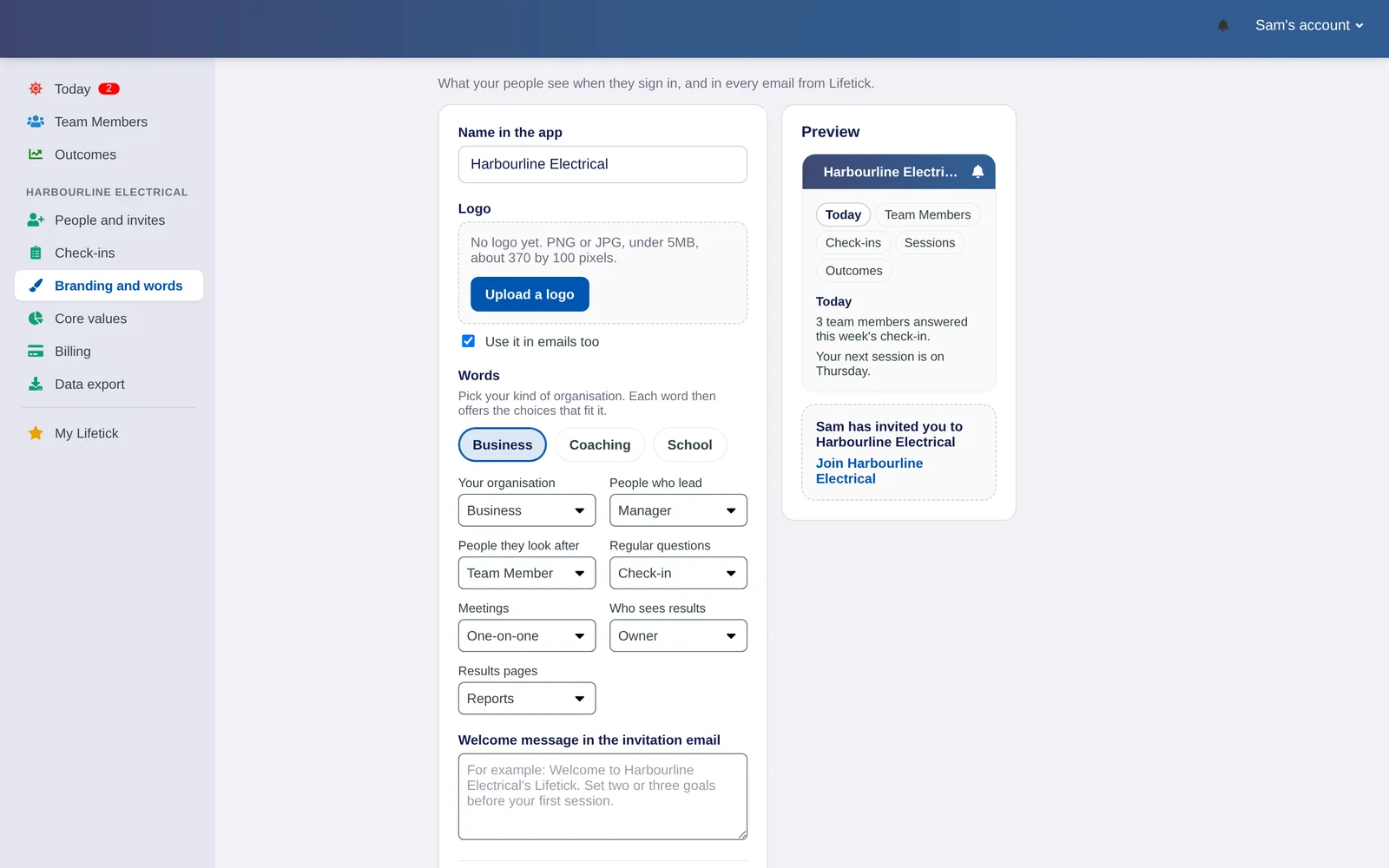
Add your logo and your core values, pick the words your team uses, and invite everyone with one link.
- Your brand in the app and emails
- Core values that goals are tied to
- Words like Manager and Team member, or your own
Everyone writes their goals
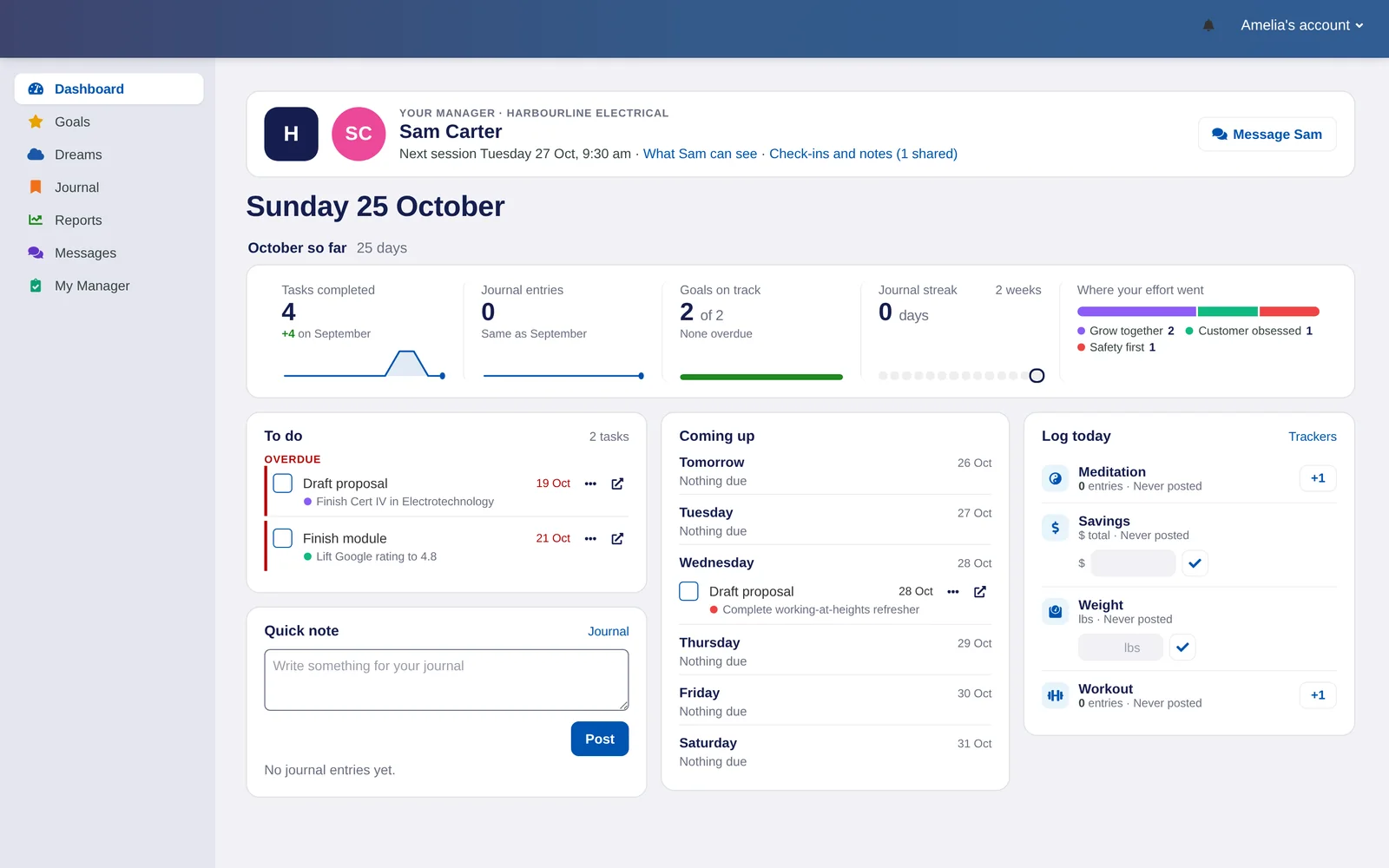
Each person sets their own goals and ties them to one of your values. Five plain questions make every goal a SMART one, without the jargon.
- Goals broken into tasks with dates
- Effort shown against your core values
- Each person chooses what stays private
Check-ins on a schedule
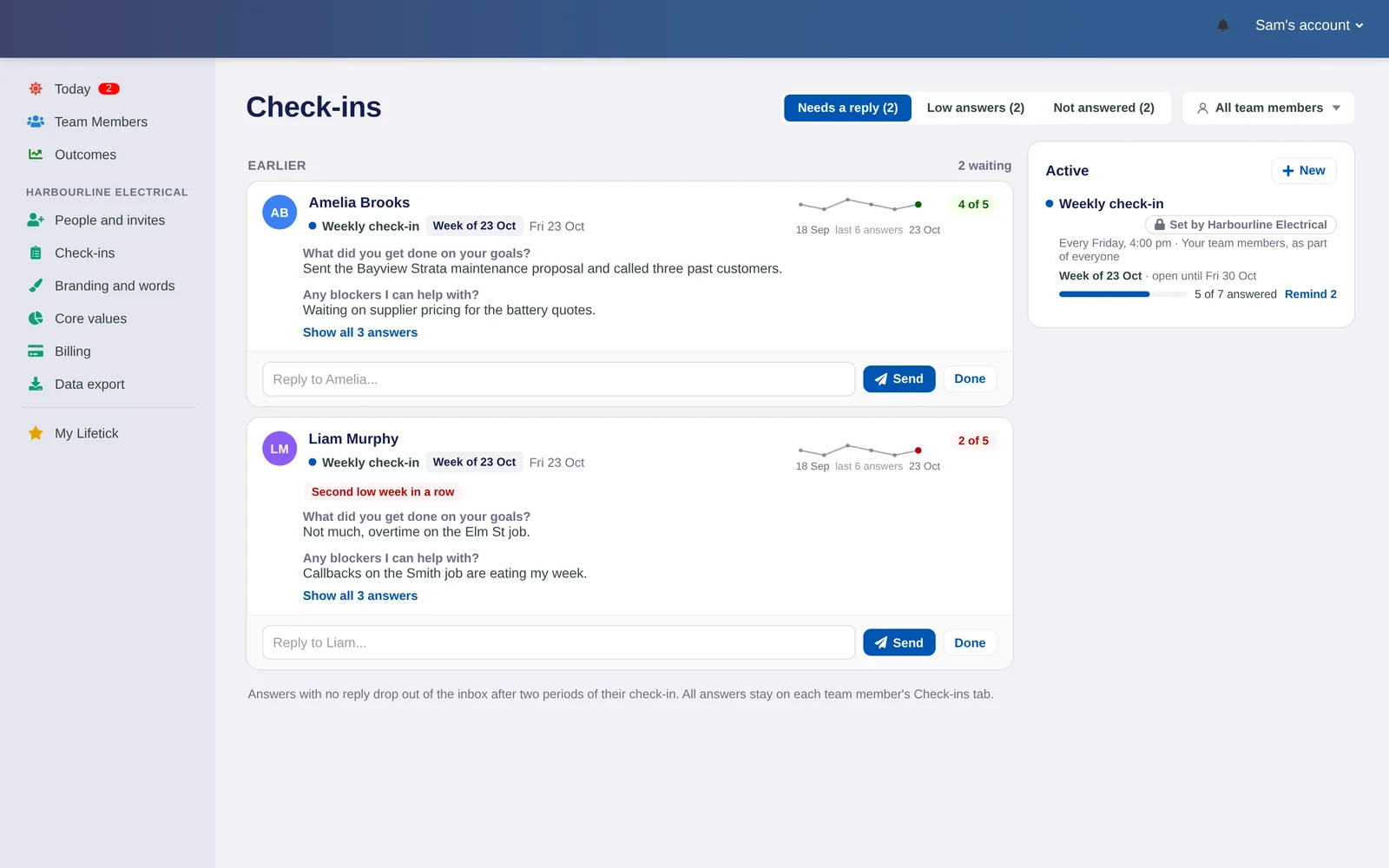
Pick a few questions and how often to ask them. People answer on their phone in two minutes, and you see who needs a reply.
- Weekly, fortnightly or monthly
- Scale and short answer questions
- Answers waiting on you, sorted to the top
One-on-ones that keep their notes
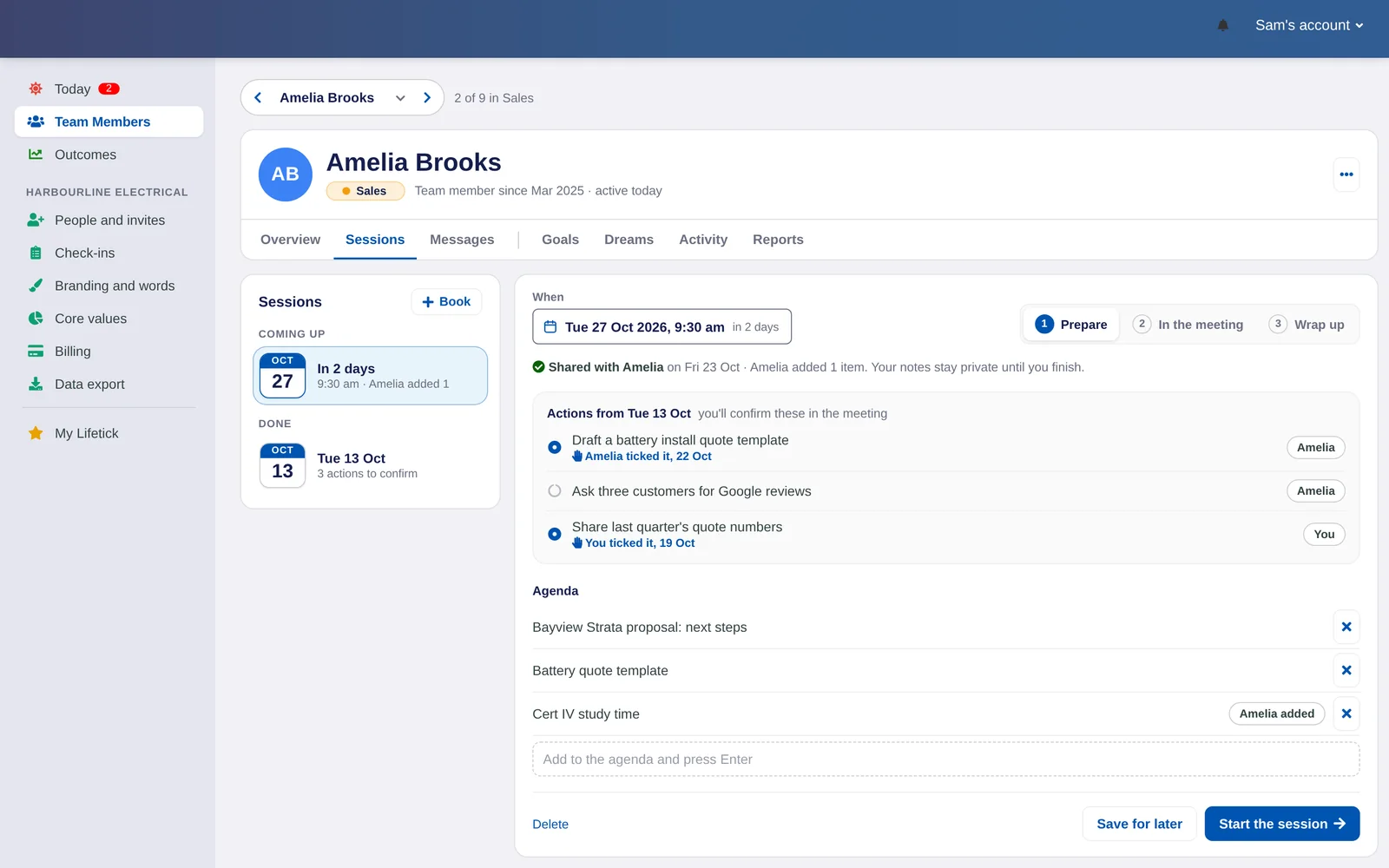
Plan the agenda together before you meet, then keep notes and follow-ups where you will find them next time.
- Agenda shared before the meeting
- Notes and follow-ups in one place
- Goals and recent check-ins beside you
See how the team is going
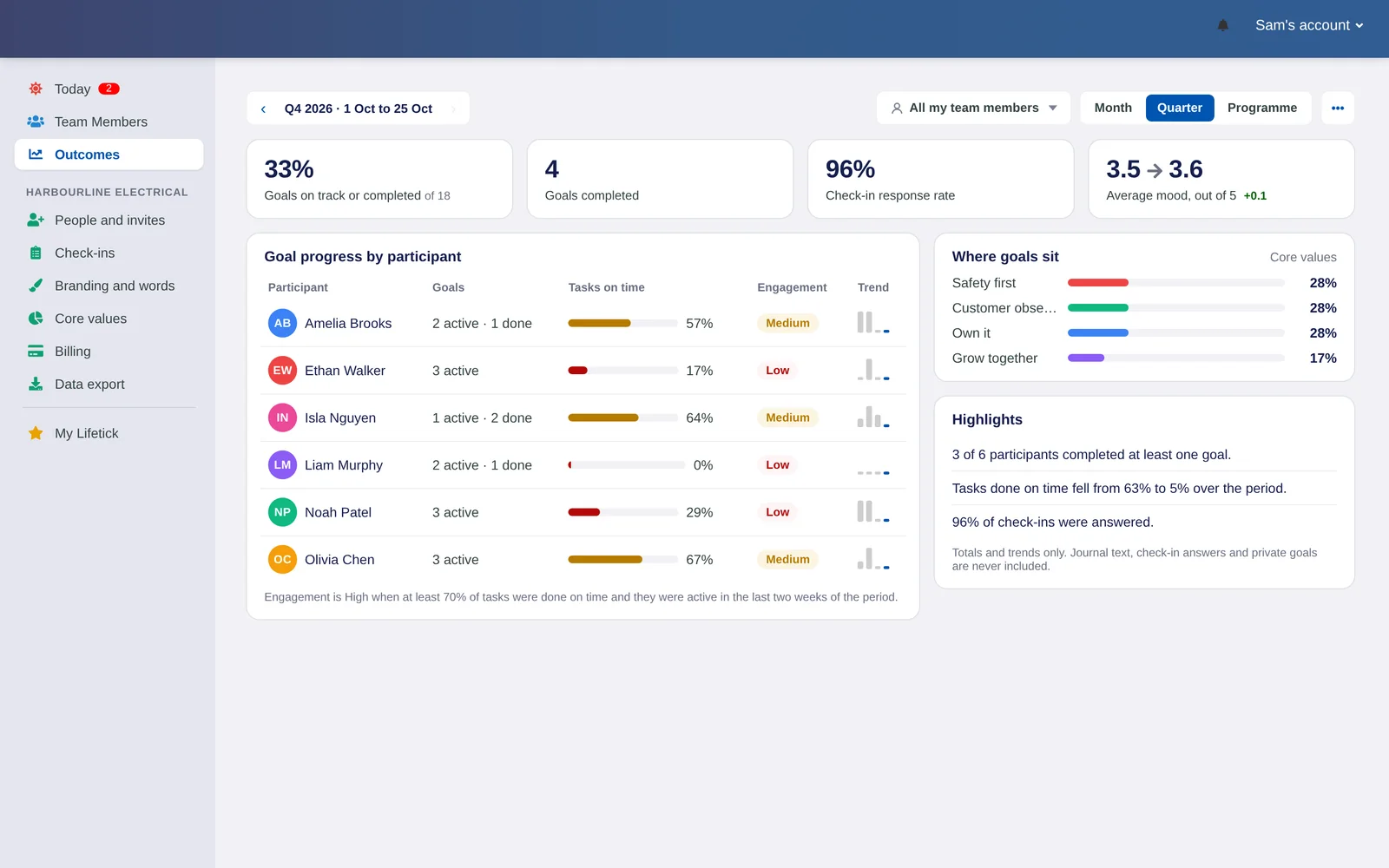
Reports show goals, tasks and check-ins across the team, so you can spot who is flying and who is stuck.
- Team results by person or group
- Tasks done on time and goals completed
- Download a report as a PDF
See your own week in Lifetick.
Invite your team with one link and send your first check-in this week. Free for two weeks, no card needed.
