One-on-ones that start where the last one ended.
One-on-one meeting software for small teams. Build the agenda together before you meet, keep notes and actions in one place, and see recent check-ins and goals beside you.
Free for two weeks. No card needed.
Five things every one-on-one should cover.
Share it before you meet so both of you can add to it. How to run the meeting, and weekly check-ins to fill the gaps between.
- 1Last time’s actionsTick off what got done before anything new
- 2Wins since we last metStart with what went well
- 3What’s in the wayBring up anything from recent check-ins
- 4Their goalsAnything to change, drop or add a step to
- 5Actions for next timeWho does what, and by when
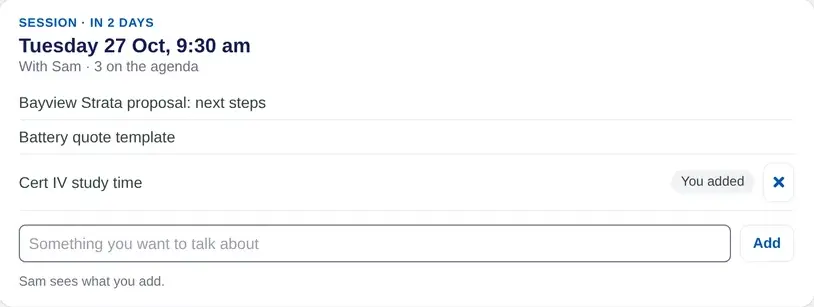
Build the agenda together
Both of you add items before you meet, so nobody walks in cold and nothing waits until next time.
- Add items any time before the meeting
- Last time’s actions carried forward
- Recent check-in answers one tap away
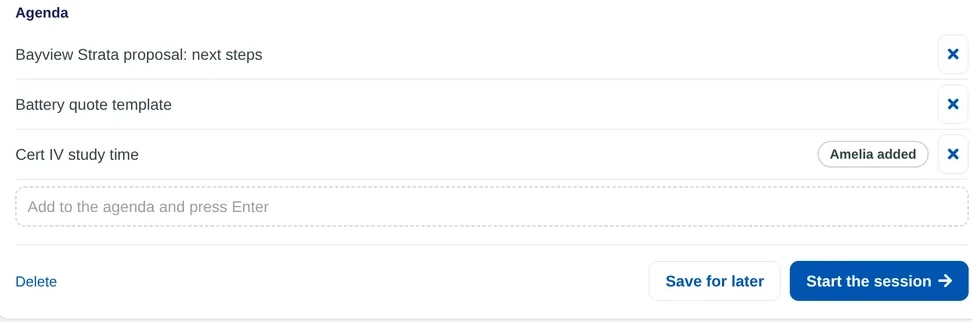
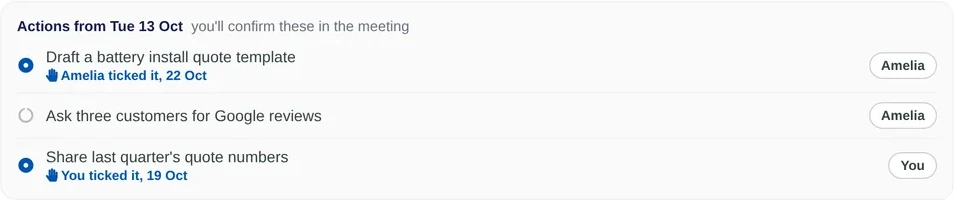
Notes and actions, kept
Write notes as you talk and agree actions at the end. They are waiting at the top of the next meeting.
- Actions with who and when
- Ticked off as they get done
- Anything not done carries over
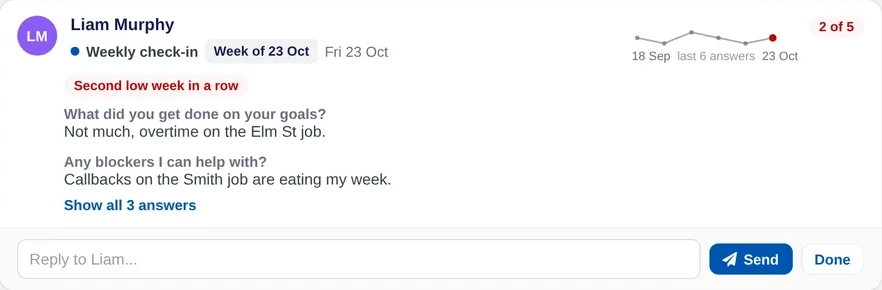
Goals and check-ins beside you
See how their goals are moving and what they said in recent check-ins, without digging through email.
- Goal progress and overdue tasks
- Recent check-in answers
- Replies kept with each answer

Common questions
Last time’s actions, wins, what is in the way, their goals and actions for next time. Let the team member add their own items first.
Yes. The agenda is shared, so the manager and the team member can both add items before the meeting.
Every one or two weeks works for most small teams. A short weekly check-in in between keeps each meeting focused.
No. There are no ratings. One-on-ones in Lifetick are about the next step, not a score.
Free for two weeks with no card, then $4 a person each month.
Run your next one-on-one in Lifetick.
Invite your team with one link and share the first agenda this week. Free for two weeks, no card needed.