A goal tracker students keep coming back to.
A student goal tracker on the web and iPhone. Students set SMART goals in their own words, break them into weekly steps and reflect each Friday, and their mentor sees how it is going.
Start with one mentor group for a term.
One study goal, worked through five questions.
Students learn SMART goals in class. In Lifetick they practise it every time they add a goal. Goal setting for students.
- S SpecificWhat is my goal?
Lift my maths grade from a C to a B
- M MeasurableHow will I know I have done it?
A B on the end of term test
- A AchievableHow realistic is it for me?
Challenging: two extra practice sets a week
- R RelevantWhich of my values does it serve?
Learning, for the science course I want next year
- T Time specificWhen will I do it?
The end of term test on 4 December
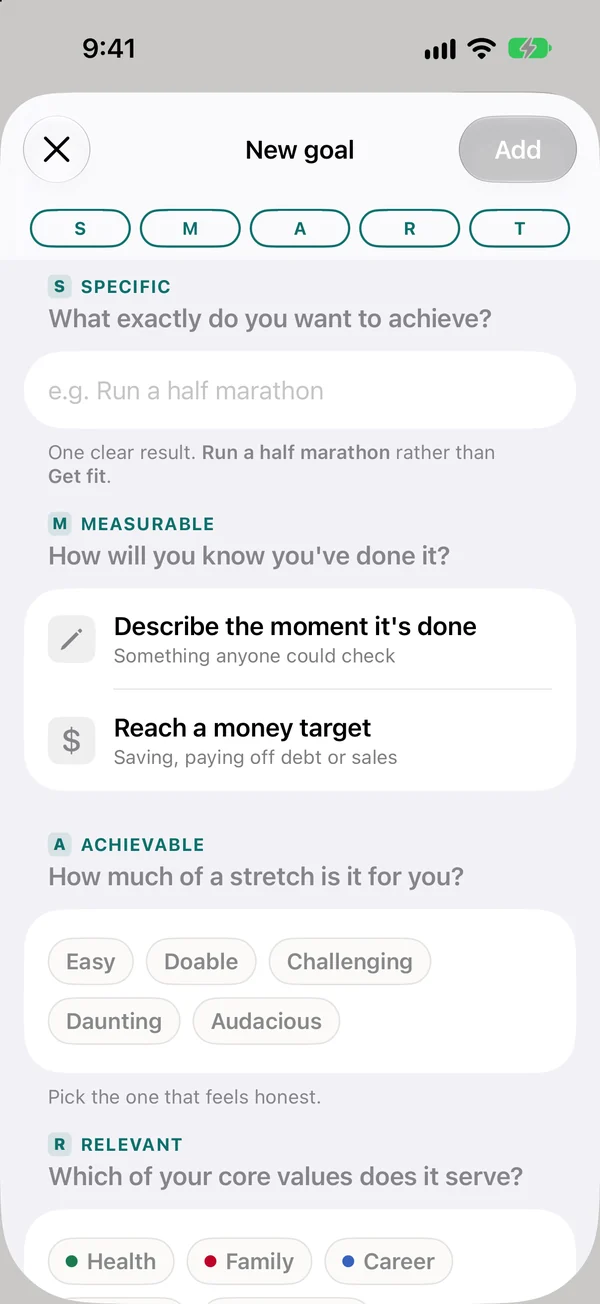
Goals in their own words
Five plain questions turn “do better at maths” into a goal with a finish line and a date.
- On a phone or a laptop
- Linked to what matters to them
- Students choose what their mentor sees
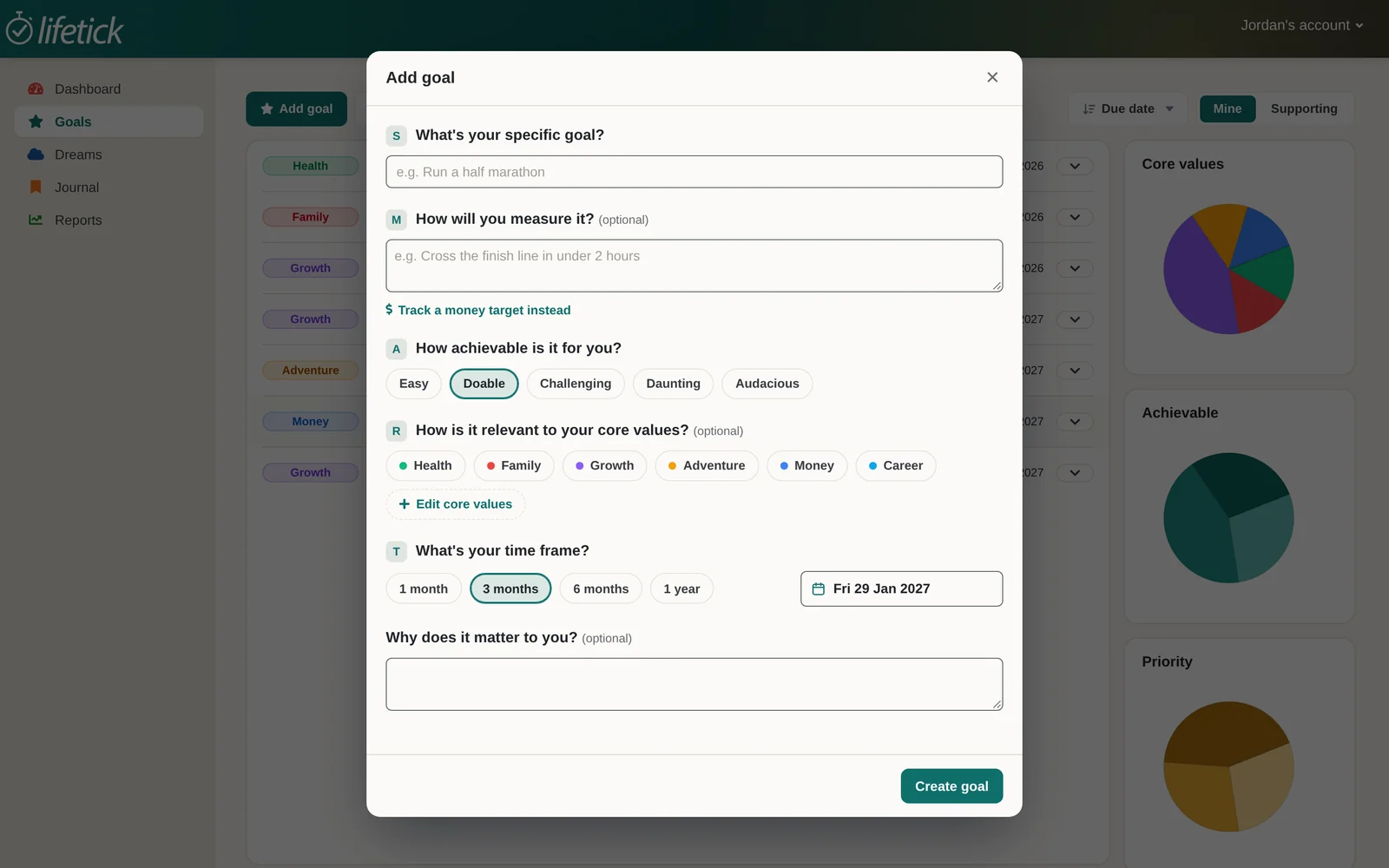
Weekly steps and a Friday reflection
Each goal breaks into steps for the week. On Friday, a two-minute reflection asks how it went and what got in the way.
- Reminders for each step
- A private journal, always private
- Reflections their mentor can reply to
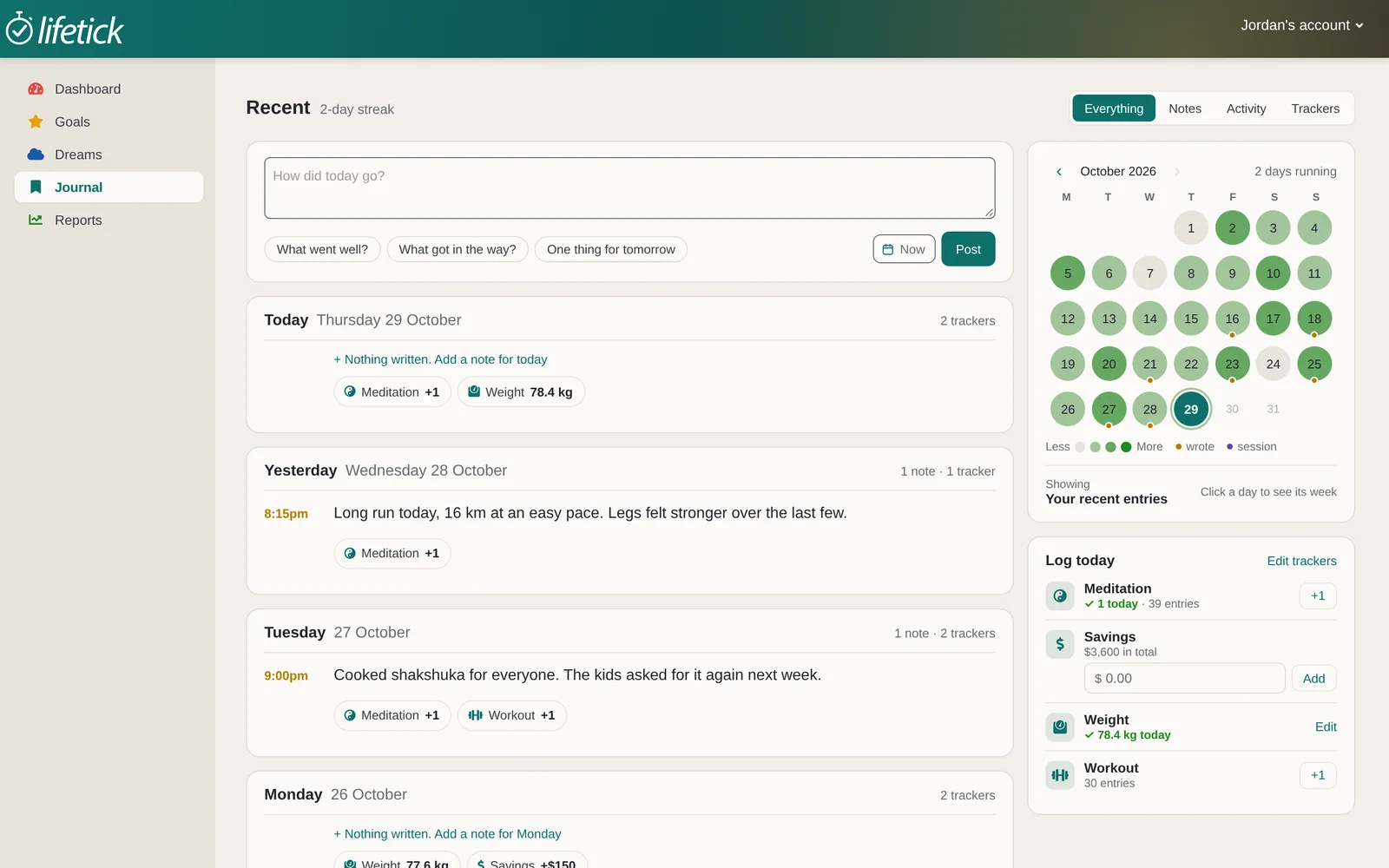
Progress they can see
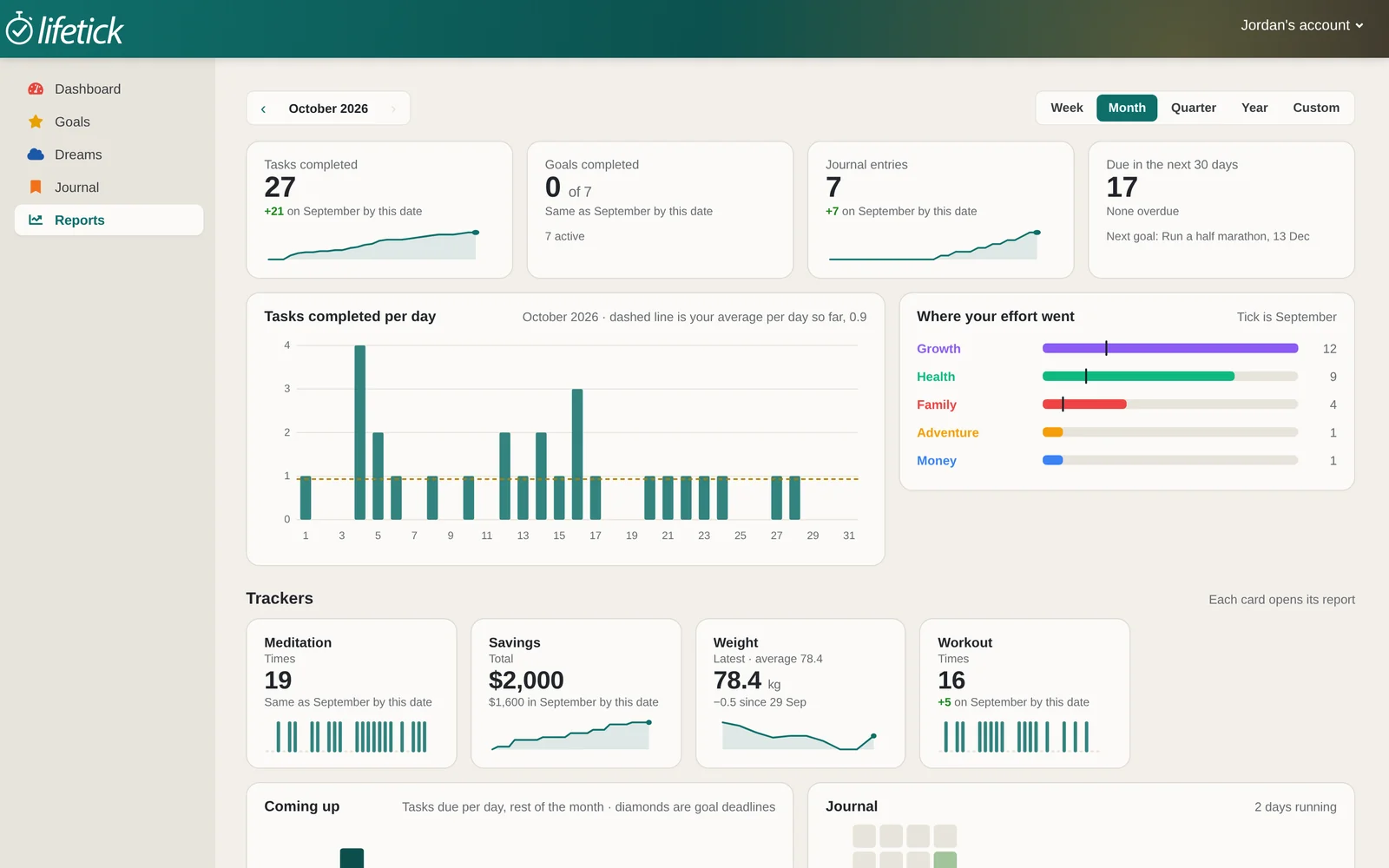
Reports show what they finished and how goals are moving, and leaders get a progress report each term.
- Charts by week, month or term
- Who needs a conversation, for mentors
- A term report to download
Common questions
A place for students to write their goals, break them into weekly steps and see their progress. Lifetick adds a Friday reflection and a mentor who can reply.
No. The journal is always private. Students choose which goals their mentor can see.
Yes. Students use the iPhone app or any web browser with the same account.
Yes. Most schools start with one mentor group for a term, then decide with real results in hand.
Pilot Lifetick with one mentor group.
Start with a single group for a term, then decide with real results in hand.