Team billing
Teams pay monthly by card, based on how many active people are in the organisation on the billing date. Most teams pay $4 a person, $20 minimum.
A team account is billed once a month to a credit card. The amount depends on how many people are in your organisation on the day of each payment.
What it costs
For most teams the price is $4 a person a month, with a minimum of $20 a month. Some older and special plans have a different rate, so check yours on the Billing page under Plan.
Everyone active in your organisation counts, including owners and managers. People you deactivate or remove don't count. You can add and remove people whenever you like: you only pay for the people there on the billing date.
Prices are in Australian dollars if your country is Australia, and US dollars otherwise.
Check your billing
- Open Billing. In the menu under your organisation's name, choose Billing. Only owners see it.
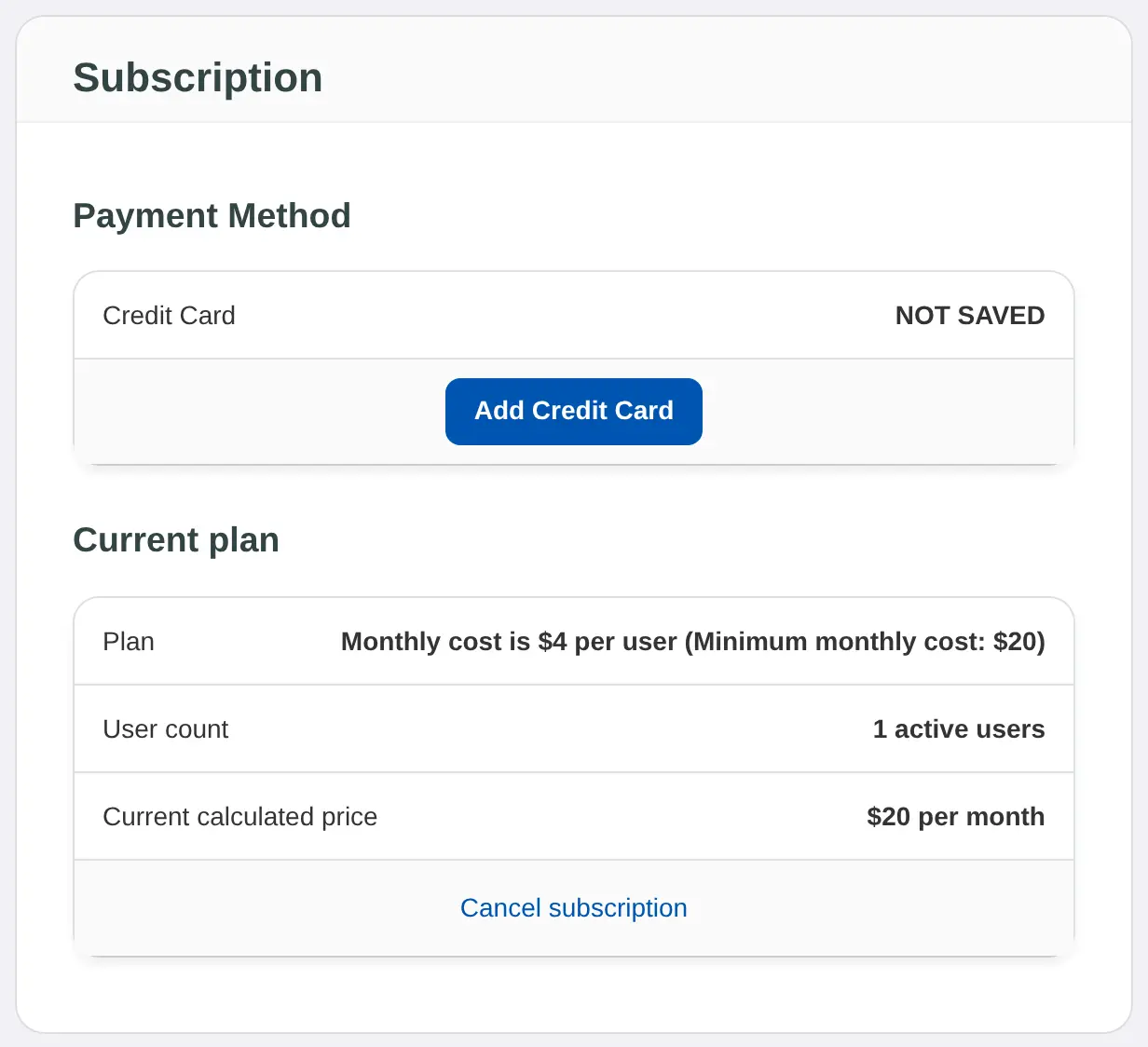
- Read Current plan. Plan shows your rate, User count shows how many active people you have now, and Current calculated price shows what you'd pay if the payment were taken today.
- Check your card. Payment Method shows the card on file and the Next payment on date. If there's no card yet, it shows NOT SAVED and Add Credit Card.
When a payment is taken
- Each owner gets an email called "Lifetick payment received".
- The payment is added to Transaction history on the Billing page, where you can open its tax invoice.
- If a payment fails, owners are emailed the reason and Lifetick tries the card again. After three failed tries the Billing page says There was a problem processing your credit card. Update the card to carry on.
People who already pay for Premium
If someone joins your team with their own paid Premium subscription on the web, it's paused while they're on the team. It picks up again if they leave.
