Upgrade to Premium
Premium is $29 a year and takes away the two-goal limit, with sub-tasks and trackers too. Upgrade on the web or in the iPhone app.
A Free account keeps two goals going at a time. Premium takes the limit away and adds the features below. You only need to upgrade once: the web and the iPhone app use the same account.
What Premium adds
- Unlimited goals. Set as many goals as you like.
- Sub-tasks. Give a task its own checklist and tick off each step.
- Trackers. Log things like gym visits, weight or books read, and Lifetick charts them for you.
- Money goals. Track savings, debt paid off or a sales target in dollars.
Upgrade on the web
- Open Subscription. Choose the account menu at the top right, such as Riley's account, then Subscription.
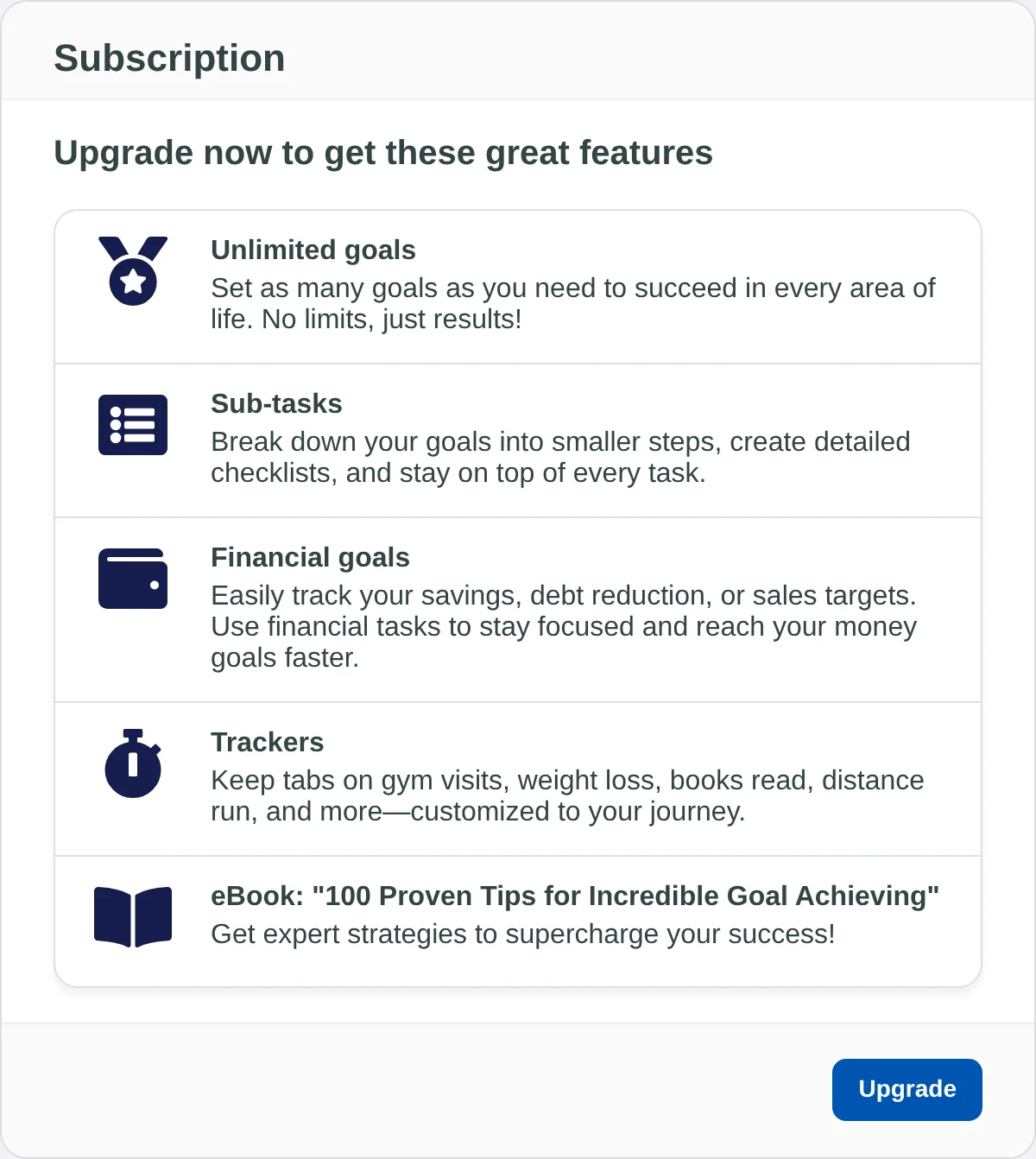
- Choose Upgrade. The page lists what you get with a subscription. Choose Upgrade at the bottom.
Pick a plan and pay on the web
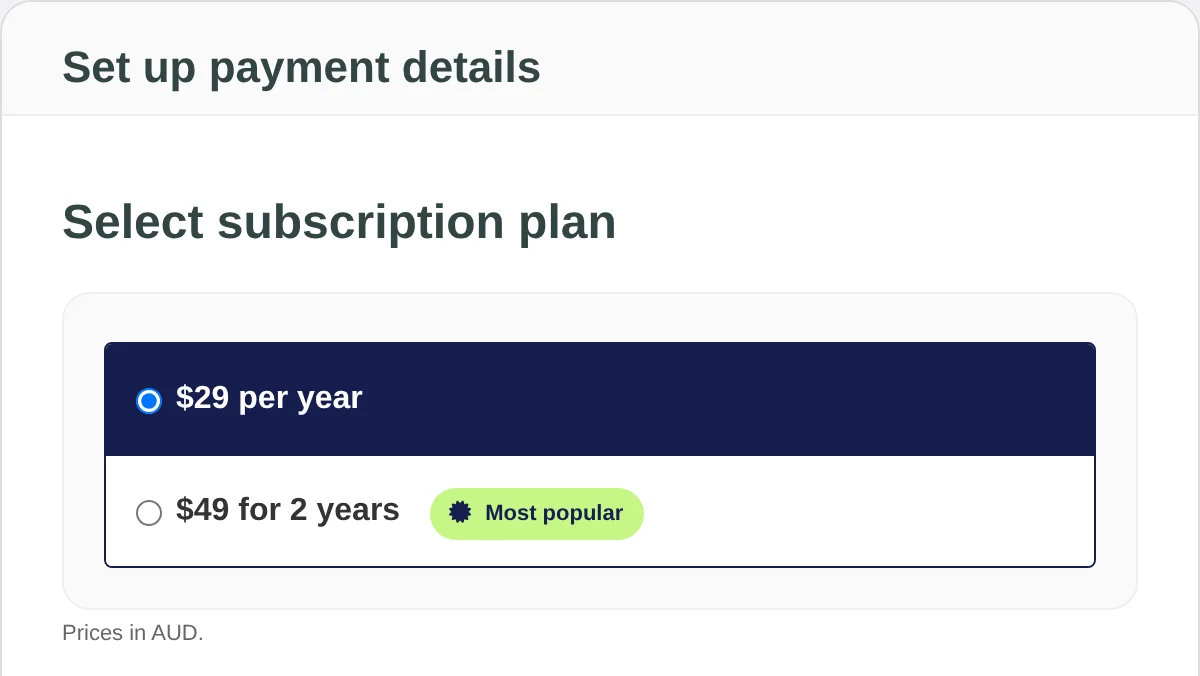
- Pick a plan. Under Select subscription plan, choose $29 per year, or the two-year plan if you'd rather pay for two years at once.
- Enter your card. Fill in Name on card, Credit card number, Expiry month, Expiry year and Security Code (CVC), then your Billing address.
- Choose Purchase. Your bank may ask you to confirm the payment. When it goes through, you see a Tax Invoice for it, and Premium is on straight away.
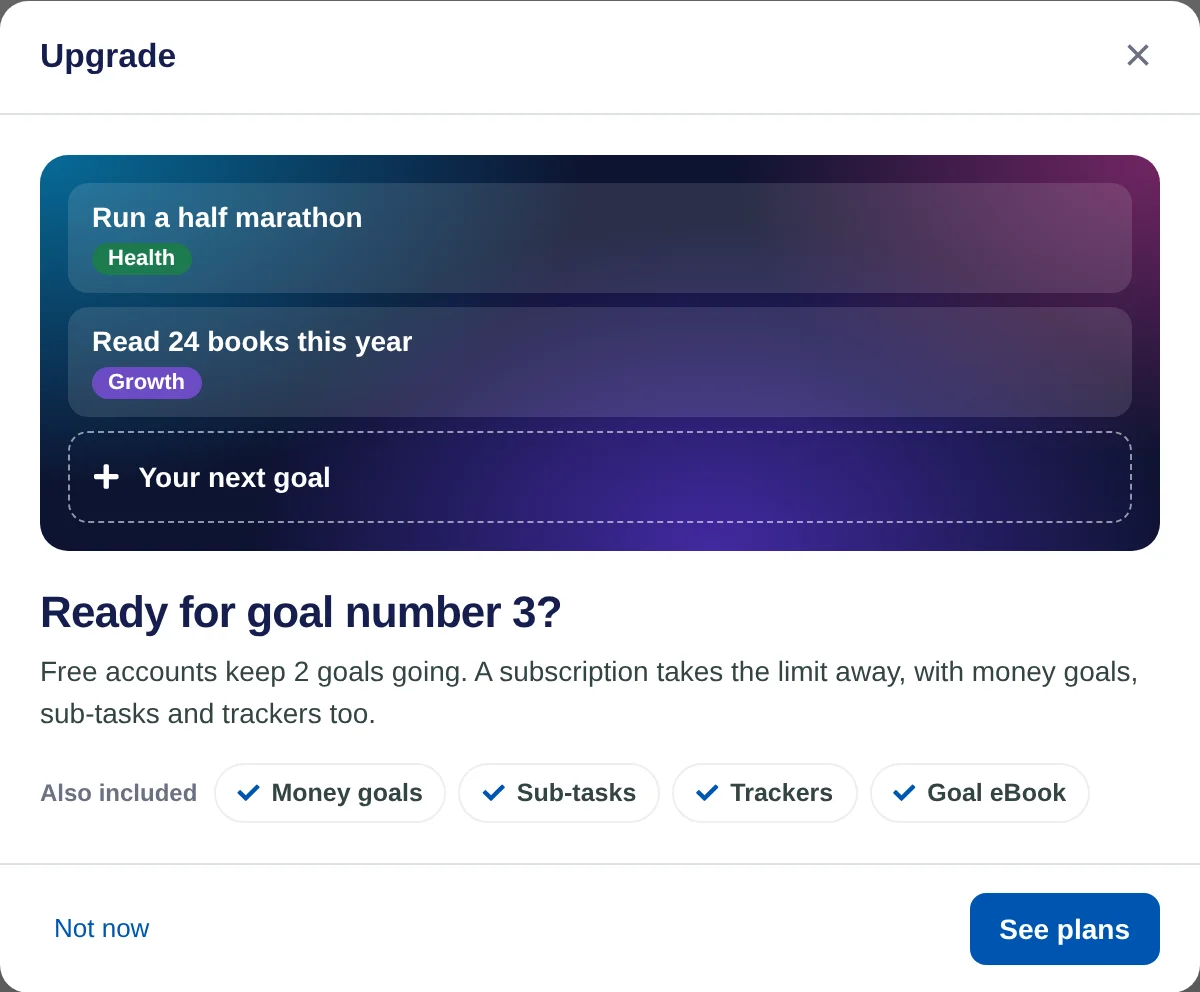
You can also start from inside the app. When you try to add a goal past the free limit, or use sub-tasks, trackers or a money goal, Lifetick explains what a subscription adds. Choose See plans to go to the same plan page, or Not now to close it.
Upgrade on iPhone
- Reach for a Premium feature. Add a goal past the free limit, or try sub-tasks, trackers or a money goal. A sheet explains what you'd get.
- Tap See plans. The subscription sheet lists what Premium adds and the plans from the App Store.
- Choose a plan and subscribe. Confirm with Apple as you would for any App Store purchase. Premium is on as soon as Apple confirms it.
If you've subscribed on iPhone before, tap Restore Purchases on the subscription sheet.
What happens next
- Premium shows up on the web and on iPhone, because they share one account. Sign in with the same account on both.
- A web subscription renews by itself. Its next payment date is on the Subscription page, along with Cancel subscription.
- An App Store subscription is billed by Apple and managed in iPhone Settings, under your name and Subscriptions.
