Set your core values
Choose whether everyone shares your organisation's core values, starts with them, or picks their own, and set the values themselves.
Everyone in Lifetick links their goals to core values. As an admin you decide whose values they are: your organisation's, their own, or a mix. Only admins can change this.
Choose how core values work
- Open Core values. In the menu under your organisation's name, choose Core values.
- Pick a card. Under How core values work here, choose one. It saves straight away.
- Everyone picks their own. New people start with no values and write the ones that matter to them.
- Start with ours, they can change. New people get a copy of your organisation's values and can edit them.
- One shared set. Everyone uses the same values. Only admins change them.
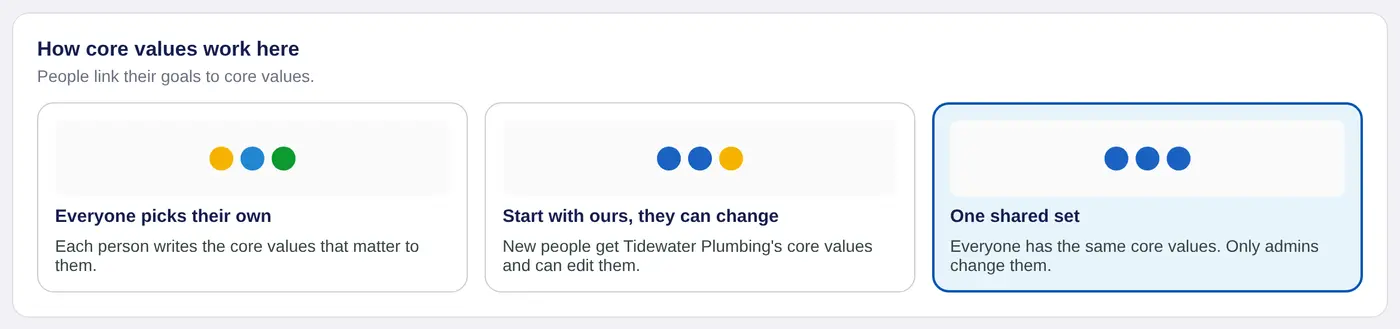
One shared set applies to everyone straight away, including people already in your organisation. Start with ours and Everyone picks their own only change what new people start with. People who are already in keep their own values.
Set your organisation's values
Your organisation's values are used by Start with ours and One shared set.
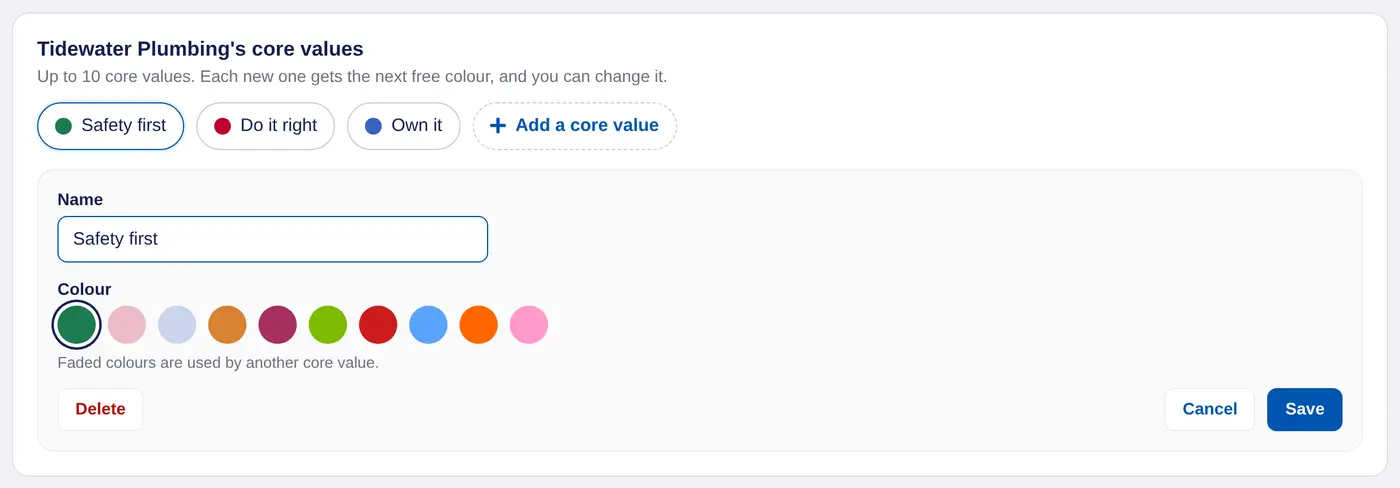
- Add a value. Choose Add a core value, type its Name and choose Save. Each new value gets the next free colour.
- Change one. Choose the value to open it. Change its name or Colour and choose Save. Faded colours are used by another value.
- Delete one. Open the value and choose Delete.
You can have up to 10. Three to five that describe how your organisation works is usually enough.
What your people see
With One shared set, people pick from your values when they write a goal. Their Core values window says the values are Set by your organisation and they can't change them. On iPhone it says "Your organisation sets your core values."
To see which values your team's goals sit under, see Progress by core value.
In a school these are called values. You can choose another word, such as Pillar or Behaviour, in Change the words your team uses.
